
Your cart is currently empty!

Select ALL allows you to select ALL text, files, or other displayed objects.

𝘾𝙤𝙣𝙩𝙧𝙤𝙡 + 𝙑 allows you to paste contents and/or text.
Do you know why it’s 𝙑 and not P to paste? 𝘾𝙤𝙣𝙩𝙧𝙤𝙡 + 𝙑 is based on the original proofreader’s symbol for insertion, which is an upside-down 𝙑.
Easily open your search window with this shortcut.

𝙲𝚘𝚗𝚝𝚛𝚘𝚕 + 𝙲 allows you to copy text or images.
Do you know who created this most commonly used shortcut? His name is Larry Tesler. He created the concept for human-to-computer interaction while working at Xerox.

𝑪𝒐𝒏𝒕𝒓𝒐𝒍 + 𝑿 allows you to cut a selected section of text, image, and/or other objects.

Undo a recent action & press 𝐂𝐨𝐧𝐭𝐫𝐨𝐥 + 𝐙
Press it repeatedly to undo multiple actions/steps.
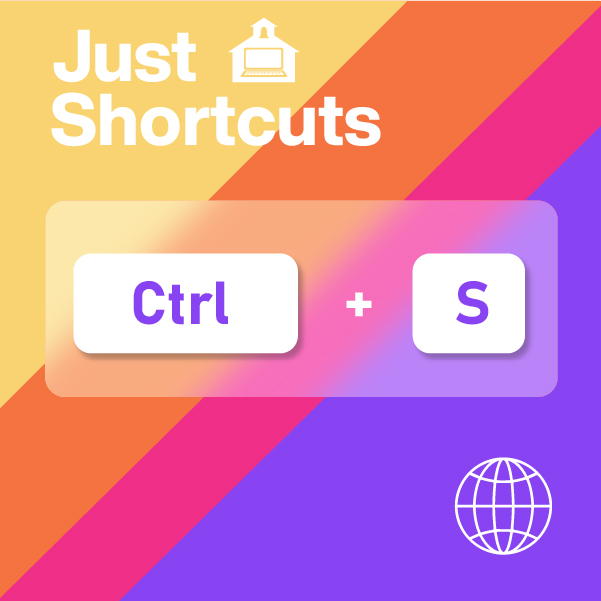
ᴄᴏɴᴛʀᴏʟ + ꜱ
Allows you to save modifications to a document/worksheet. Creating this shortcut as a habit will help you reduce the chances of losing the data in your file.

𝙘𝙩𝙧𝙡 + 𝙥 allows you to print the current page you are on, whether you’re working on a document, spreadsheet, or even an email.
“𝕎hat 𝕐ou 𝕊ee 𝕀s 𝕎hat 𝕐ou 𝔾et” is a phrase closely tied to Larry Tesler. His original phrase was “What you see on the screen should be what you get when you 🅿🆁🅸🅽🆃 it.”

𝓐𝓵𝓽 + 𝓕4 allows you to quickly force quit on pc. No need to pull up your task manager or command prompt.

𝐀𝐥𝐭 + 𝐓𝐚𝐛 allows you to switch between all the open windows/programs. Combine it with a ← 𝐥𝐞𝐟𝐭 or 𝐫𝐢𝐠𝐡𝐭 → arrow and it allows you to select the window/program of your choosing.
𝐅𝐮𝐧 𝐅𝐚𝐜𝐭: 𝗶𝗻 𝟭𝟵𝟴𝟳 𝘁𝗵𝗶𝘀 𝗵𝗮𝗻𝗱𝘆 𝘂𝗻𝗶𝘃𝗲𝗿𝘀𝗮𝗹 𝘀𝗵𝗼𝗿𝘁𝗰𝘂𝘁 𝘄𝗮𝘀 𝗰𝗿𝗲𝗮𝘁𝗲𝗱, 𝗮𝗻𝗱 𝘁𝗵𝗲 𝗳𝗶𝗿𝘀𝘁 𝘃𝗲𝗿𝘀𝗶𝗼𝗻 𝗼𝗳 𝗠𝗶𝗰𝗿𝗼𝘀𝗼𝗳𝘁 𝗘𝘅𝗰𝗲𝗹 𝘄𝗮𝘀 𝗿𝗲𝗹𝗲𝗮𝘀𝗲𝗱!
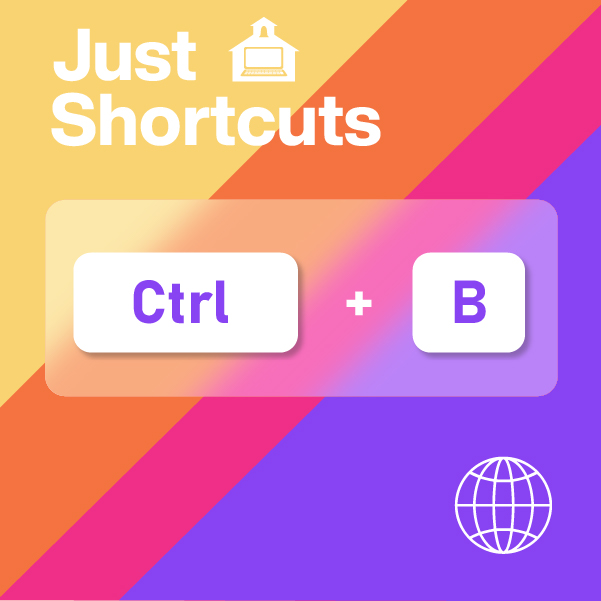
🅲🆃🆁🅻 + 🅱
Applies 𝗯𝗼𝗹𝗱 formatting to your plain text selection. Whether you’re working on an email or a Microsoft ® product like Word or Excel.
Moreover, it is a keyboard shortcut used to toggle 𝗯𝗼𝗹𝗱 text on & off.

𝙘𝙩𝙧𝙡 + 𝙄
Allows you to 𝘪𝘵𝘢𝘭𝘪𝘤𝘪𝘻𝘦 your highlighted selection. Whether you’re working on an email or a Microsoft ® product like Word or Excel.

𝚌𝚝𝚛𝚕 + 𝚞
Allows you to u̲n̲d̲e̲r̲l̲i̲n̲e̲ the selected text. Whether you’re working on an email or a Microsoft ® product like Word or Excel. Moreover, it is a keyboard shortcut used to toggle u̲n̲d̲e̲r̲l̲i̲n̲e̲ text on & off.
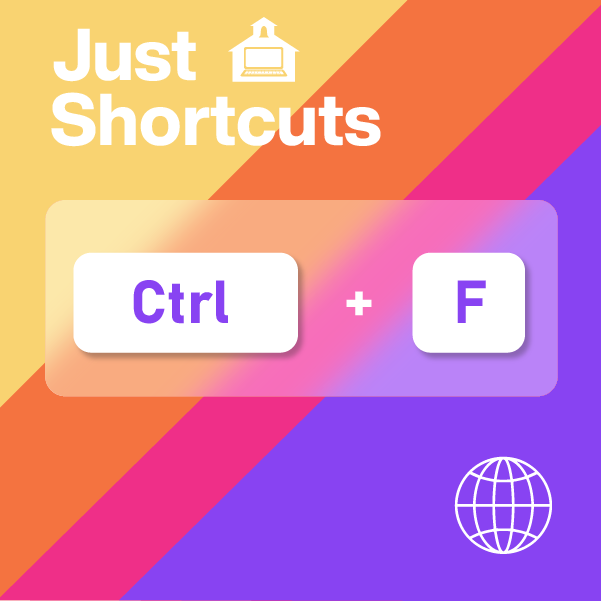
🅲🆃🆁🅻 + 🅵 is used to open a 𝐟𝐢𝐧𝐝 box.
Once opened, use the 𝐟𝐢𝐧𝐝 box to locate a specific word, character, or even a whole phrase.
This shortcut can be used on a web page, document, or spreadsheet.
.

🅲🆃🆁🅻 + 🅷 has two very different functions.
This shortcut can be used on a document, or spreadsheet to find and 𝕣𝕖𝕡𝕝𝕒𝕔𝕖 a specific word, character, or even a whole phrase.
However, if you’re on an internet browser, such as Chrome, using the 🅲🆃🆁🅻 + 🅷 keyboard shortcut opens the history tab of the current internet browser you’re using.